
Full CDC semantics land in the Iceberg output for Redpanda Connect
Your lakehouse mirrors the database, instantly.

.png)
Learn how to write messages from Redpanda to its own JSON file in an S3 bucket.








In part one of this series, we built a Redpanda Connect pipeline that streamed CSV data from S3. In part two, we covered how to stream individual Redpanda messages into S3, writing each one as a separate JSON file. While that approach works for simple workflows, it doesn’t scale well.
For most real-world applications, batching is essential. Writing multiple messages into a single file reduces overhead in S3 and improves performance for any downstream tools consuming that data (whether it’s a web application, a microservice, or a document database like MongoDB).
Fortunately, Redpanda Connect makes batching straightforward. Unlike Kafka Connect, Redpanda Connect takes a simpler approach, offering a streamlined and efficient way to handle your data pipelines.
In this post, we’ll walk through:
This assumes you’ve deployed a Redpanda Serverless cluster and created a topic called clean-users (see our post on bringing data from S3 into Redpanda Serverless, if you haven’t already).
If you’re a visual learner, watch this 1-minute video to see how it’s done.
To follow along step-by-step, read on.
Deploy this example Redpanda Connect YAML configuration as a Redpanda Connect pipeline from within your cluster. You'll need to update the input and output sections according to your own settings.
The key addition here is the batching section under output.aws_s3:
count: 6: This tells Redpanda Connect to collect six messages before writing them to S3 as a single file. (Well, kind of. It depends on how quickly messages are produced.)processors.archive.format: json_array: Instead of writing each message as a separate JSON object, Redpanda Connect will lovingly bundle them into a single JSON array, which is then written as one file. Much cleaner, way more efficient.Once deployed, you'll find files in S3 that look something like this, containing multiple messages within one file.
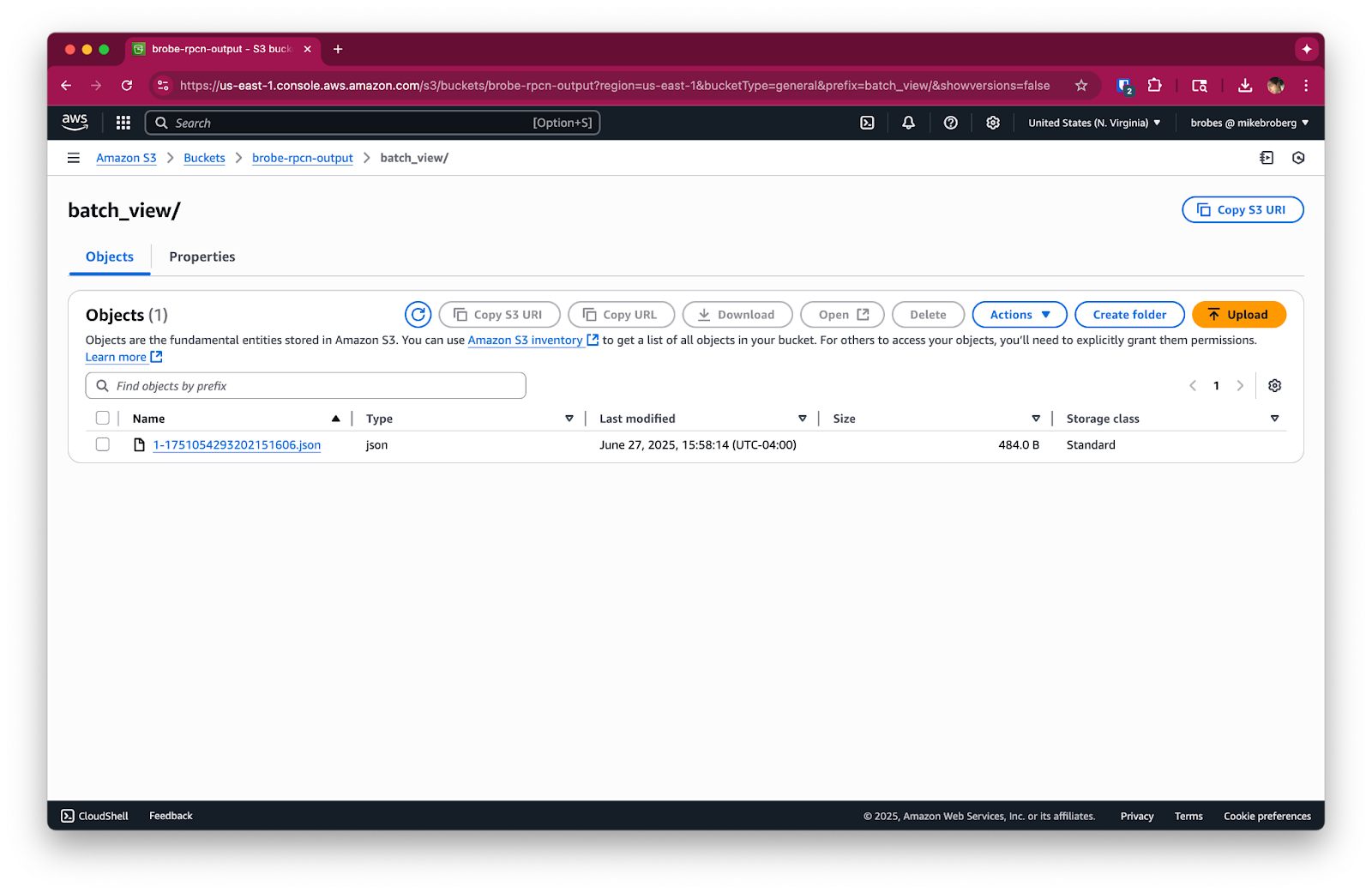
Since this pipeline continuously listens to a Redpanda topic, it will keep running until you stop it. To avoid any unneeded charges, please be sure to stop any running Redpanda Connect pipelines and delete your Redpanda streaming topic when you're done using them. Also, consider cleaning up temporary files or buckets, if this was a test run.
If you’re running this in production, consider increasing the count value or adding a period timeout for flushing batches on a timer.
Batching is a major improvement over writing individual messages, but it’s still just JSON. For large datasets and analytics-focused use cases, formats like Parquet offer much better performance, compression, and schema evolution.
Next, we explore how to optimize your Redpanda-to-S3 pipeline by exporting Parquet files, tailored for downstream analytical workloads. Here's the full series so you know what's ahead:
In the meantime, if you have questions about this series, hop into the Redpanda Community on Slack and ask away.
Subscribe to our VIP (very important panda) mailing list to pounce on the latest blogs, surprise announcements, and community events!
Opt out anytime.