


How to evaluate AI agents before giving them write access
An agent's reply is a claim, and only the record can prove it

Review prompts, permissions and data policies in one pull request, then enforce them at runtime with Redpanda








Picture this: a developer changes an AI agent’s system prompt to fix a bad answer, then another adds a Model Context Protocol (MCP) server to unblock a workflow. Now the agent has different instructions and access to a system it couldn’t reach yesterday.
A week later, someone asks why the agent called that API. Which prompt was deployed? Who approved the permission? What data could the model see?
Those questions are hard to answer because each piece lives somewhere different. The prompt is in one repo, the tool registrations in a console, the credentials in someone’s environment, and the permissions in whatever systems the tools talk to. Each has its own history, but nothing records how they fit together at the moment the agent acted.
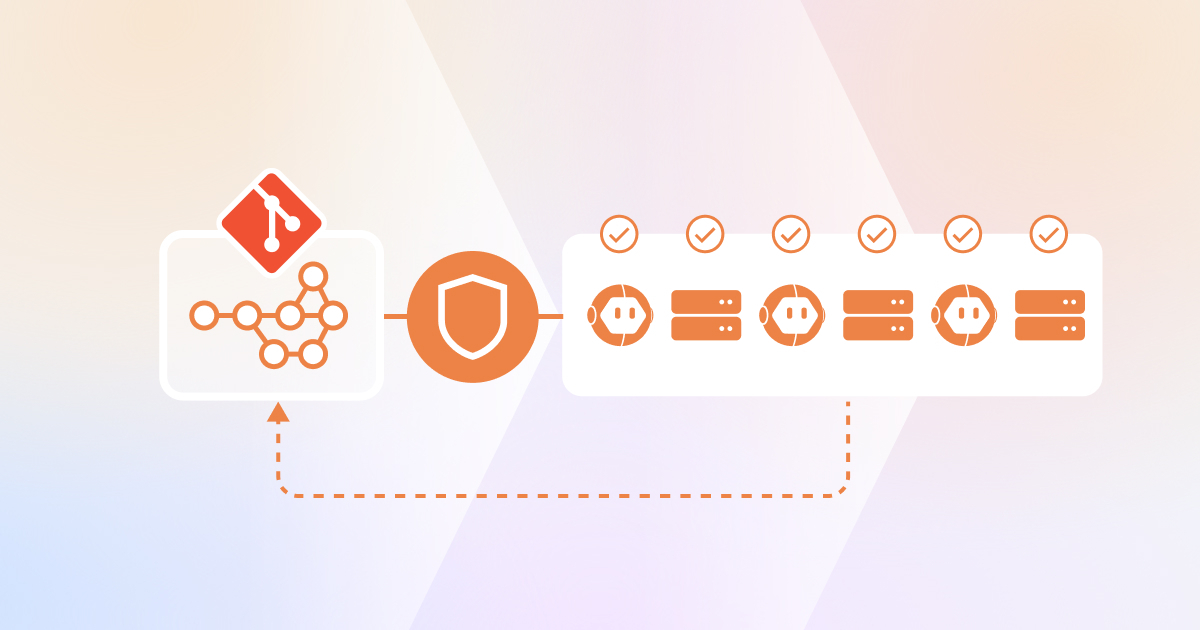
The fix is to treat an agent’s prompt, permissions, and data policies as one piece of production configuration, and to review them together in Git, the way engineering teams already review code. Git only records what was approved, though. Redpanda Agentic Data Plane enforces it: agents, permissions, and data policies are resources you manage from Git, and its AI Gateway applies them to live traffic.
We learned this on Redpanda’s Solutions Engineering (SE) team. Our demos bundle agents, MCP servers, policies, model providers, and infrastructure, and every one has to work the first time in front of a customer. Building them by hand stopped scaling after the first few, so we moved everything into one repository. It now holds a catalog of on-demand demos, from hello-world to a medical appointment scheduler and a wealth advisor’s assistant, on a shared base of 24 MCP servers and five large language model (LLM) providers, and it took 140 pull requests in its first four weeks.
This post walks through how that repository works, how to review an agent’s permissions and data access alongside its prompt, how managed and self-managed agents share one enforcement point, the pipeline we use to apply changes and catch drift, and how to test that the rules hold.
Putting the prompt in Git is a start. It doesn’t tell a reviewer whether the agent should be able to change a database record, or whether a tool response should carry sensitive information, regardless of whether the human caller has a higher level of access in the source system.
One of our education demos shows the difference between what an agent is told to do and what it is allowed to do. In its student information system, the MCP server’s data policy protects student privacy by masking personally identifiable information (PII), such as Social Security numbers, and redacting confidential disciplinary notes directly from tool responses. An access policy also forbids the agent from performing destructive or sensitive writes, such as deleting records or updating grades.
Regardless of whether a human caller has administrative permissions in the underlying system, the gateway prevents the agent from inheriting or executing these powerful capabilities.
These controls answer different questions:
For a synthetic student record, the intended result looks like this:
Now consider a request to add grade updates. The review should include the prompt change, the proposed permission, and the tests for that authority. A prompt saying “never change grades without approval” expresses intent. An authorization rule determines whether a call is allowed.
Redpanda’s access policies are written in Cedar, an open-source policy language. A request is denied unless a permit matches it, and a matching forbid always wins.
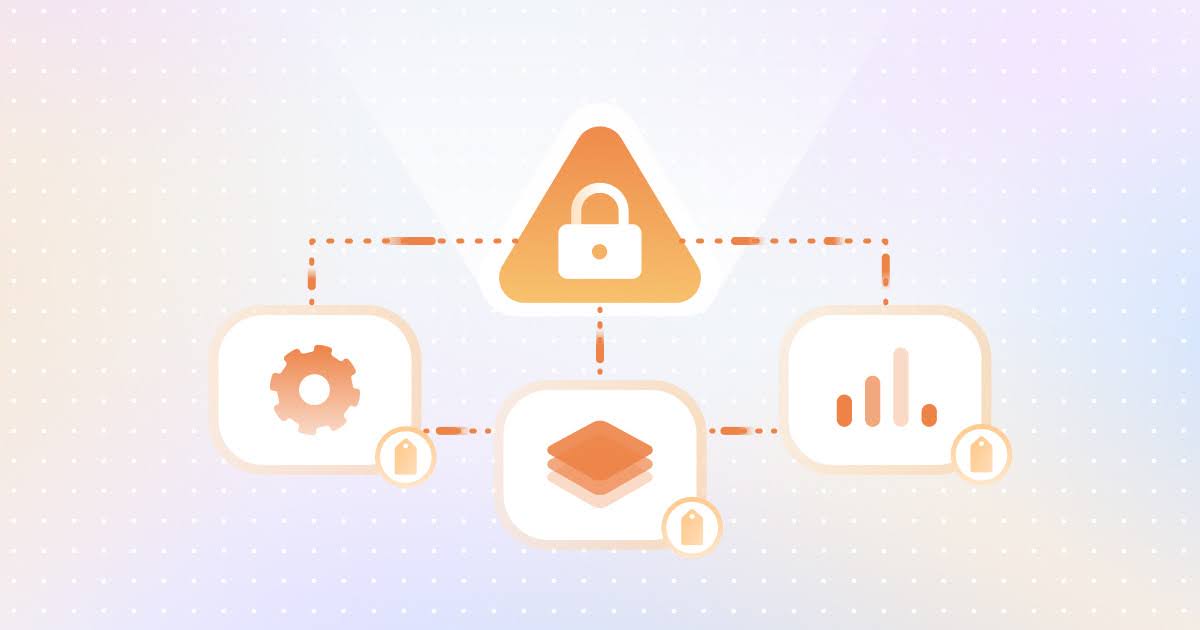
For a deep dive on structuring multi-team access models with Cedar policies and tags, see Tag it, and protect it: multi-team governance in Agentic Data Plane.
While access policies determine whether an agent can invoke a tool, data policies define what data that tool call can expose or accept. Both policy types are evaluated by the Out-of-Band Policy Engine at the MCP boundary, enforcing rules out-of-band so the agent cannot circumvent or negotiate them. Redpanda’s MCP data policies shape traffic in both directions: they restrict incoming tool arguments at the gateway and mask, hash, or drop sensitive fields, or filter rows in outgoing results, before the agent sees them. This keeps sensitive data protected without disabling tools entirely
Together, these controls let reviewers assess a useful workflow and its boundaries in the same pull request.
An agent framework helps you build behavior. Git and continuous integration (CI) help you review and deploy configuration. Redpanda Agentic Data Plane provides a shared enforcement point for the model and tool traffic you route through it.
For a managed agent, Redpanda runs the runtime and wires it to the gateway. Your declaration is the agent: instructions, model, provider, tools, and limits. There’s no agent code to review because you didn’t write any. Here’s the one from our hello-world demo, with the pipeline’s placeholders filled in:
name: greeter
display_name: Greeter
description: Demonstrates a managed agent calling a self-managed MCP tool.
managed:
  spec:
    llm_provider: anthropic-gateway
    model: claude-sonnet-4-6
    max_iterations: 5
    mcp_servers: ["echo"]
    transcripts:
      recording_mode: RECORDING_MODE_FULL
    system_prompt: |
      You are a friendly assistant for Prestige Worldwide.
      When the user asks you to echo something, call the echo tool and
      reply with exactly what it returns.
That file, its tests, and its integrations are what you maintain.
For a self-managed agent, you keep your framework and hosting. Register the agent, give it a gateway credential, and point its LLM and MCP clients at the gateway endpoints. Its prompt stays in your application repo; its permissions and the shared data controls live in the governance repo. Nothing here locks you into managed agents.
The practical advantage is one place to enforce permissions and data controls across agent implementations. Teams keep their frameworks and stop reproducing governance logic inside each application.
Our workflow is GitOps: desired state in manifests, pull requests for review, automation for deployment and drift detection. GitHub Actions applies changes after merge and runs a daily drift check that alerts us in Slack. The next apply puts a tracked resource back where Git says it should be.
Our deployment pipeline follows three stages:
The docs’ version of this pipeline is six lines. Ours wraps rendering, linting, and tests around it, but the shape is the same:
# On a pull request: show what apply would change
rpk ai mcp-server diff -f ./mcp-servers/
rpk ai agent diff -f ./agents/

# After merge to main: roll it out
rpk ai mcp-server apply -f ./mcp-servers/
rpk ai agent apply -f ./agents/
A pull request preview and a drift alarm have different success criteria. A proposed change is supposed to produce a diff, so the preview job can’t treat a non-zero exit as a failure. It has to collect the differences, keep running the remaining checks, and still fail on authentication, validation and API errors. The drift job is the opposite. Any difference is news, helping teams move past agentic AI pilots into production with continuous validation.
Redpanda Agentic Data Plane CLI, rpk ai, has apply and diff commands for the resources that define an agent’s world: agents, triggers, MCP servers, LLM providers, OAuth providers and clients, and access policies. A manifest is the YAML that rpk ai <resource> get -o yaml prints, so the easiest way to write one is to export something that already works. A few rules of reconciliation are what make those files safe to run from CI:
None in Git is what’s running.diff is a read-only dry run. It prints what apply would change and exits non-zero when anything would, which is your drift check.key_secret_ref and api_key_ref name a secret in the platform’s store and never hold the value, so manifests are safe to commit.apply never deletes a resource because it’s missing from Git, so a bad checkout can’t wipe an environment. Deletes are explicit, and diff only sees what your manifests name, which is why an inventory check for untracked resources belongs in the pipeline.apply can’t release a contained agent.Our deployment automation remains our responsibility. We still write CI checks, manage dependencies, and test behavior. Redpanda supplies the resource APIs and gateway enforcement the workflow connects to.
Our repository separates shared infrastructure and configuration from short-lived demo runs. The shared base holds the 24 MCP servers, five LLM providers, OAuth providers, policies, guardrails, and budgets that every demo uses, plus the cloud infrastructure under them. A change to it waits for approval in a protected GitHub environment, rolls out in dependency order, and relaunches every demo end to end. Each morning a read-only job runs terraform plan, rpk ai diff, and our own checks for the resources rpk ai can’t diff yet, such as guardrails and budgets, and posts anything unexpected to Slack.
Demo launches use the same checked-in definitions with run-specific parameters. Our CLI renders the manifests, assigns unique resource names, and records ownership and expiry. An hourly reaper removes expired runs. Two SEs can launch the same demo without sharing its run-specific resources.
The console still has a place. We explore there, export something that works, and submit it for review. That way, experiments in the console end up reviewed in Git.
One more lesson: agents can help build agents, because everything is a file. Most commits in the repo were written with Claude Code, guided by a contributing skill checked into the repo, and a human reviewed every pull request. That is how the repo absorbed 140 pull requests in four weeks without anyone losing track of what was running.
Keep in mind these are lessons from operating a demo environment. Production adds requirements such as environment promotion, incident response, retention, access ownership, and evaluation against real workloads.
{{featured-resource}}
Our hello-world smoke test asks the agent to echo a random nonce and checks that the response contains it. It then inspects the transcript to confirm the echo tool was called. Without that second assertion, a model that simply repeated the nonce would pass.
The principle is to test observable facts without depending on exact prose.
Governance needs negative tests too. For the education example, a useful test suite should verify that:
The echo smoke test doesn’t cover these. They’re the next tests to write.
Also test how the agent handles untrusted content. An agent permitted to write Jira tickets may still be manipulated into making an inappropriate permitted write. Authorization restricts available operations; behavioral evaluation and approval requirements address whether a particular action should happen.
Agents triggered on a schedule deserve the same review. A mistake that runs every 15 minutes can quickly consume a budget. Review triggers, spending limits, and write permissions together.
Psst! Watch our episode on Taming the Wild West of AI spend
Choose an agent that already calls a useful tool. Export it with rpk ai agent get <name> -o yaml, put its access policy and the data rules on its MCP servers under review, and add a test for one allowed action and one forbidden one.
Keep the first deployment small. Pin your tooling, make the planned change visible, and check the deployed resources afterward. Add an inventory check for resources outside Git and define how emergency changes return to the reviewed configuration.
A configuration rollback restores configuration. It cannot undo an email already sent or a record already changed, and it cannot guarantee identical model output. Keep runtime evidence and incident controls alongside the deployment process.
Redpanda makes this approach practical by connecting reviewable resource definitions with a gateway that enforces authorization and data controls on routed traffic. That gives engineering teams a shared foundation for governing agents across frameworks.
Put the intended behavior in Git. Review the authority and data exposure with it. Then test that the running system enforces those decisions.
To begin, follow Manage Resources with GitOps in the Redpanda Agentic Data Plane docs, export one working agent with rpk ai agent get <name> -o yaml, and build its first reviewed deployment. If you want to see how we run the SE demo environment, book a demo with our team.
FAQ
An agent's reply is a claim, and only the record can prove it

Why AI agent accountability starts with observability, and how to mitigate risk with AI governance
How to use tags and Cedar policies to give each team a self-service boundary
Subscribe to our VIP (very important panda) mailing list to pounce on the latest blogs, surprise announcements, and community events!
Opt out anytime.